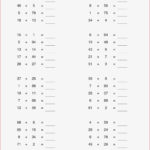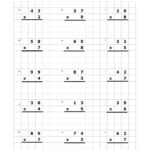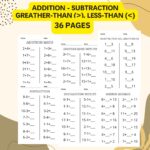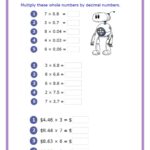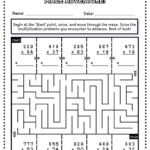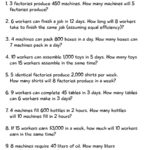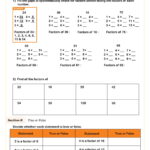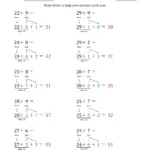
The Mathematics Worksheet Factory 3.0 is a powerful tool that allows educators to create customized math worksheets quickly and efficiently. With a user-friendly interface and a variety of templates available, it’s designed to cater to different skill levels and learning styles, making it an essential resource for teachers and parents alike. This program not only saves time but also enables you to tailor exercises to meet individual student needs, enhancing their understanding of mathematics.
Understanding the Features of Mathematics Worksheet Factory 3.0
One of the standout features of Mathematics Worksheet Factory 3.0 is its ability to generate worksheets with a variety of question types. You can create worksheets that include:
- Addition and subtraction
- Multiplication and division
- Fractions and decimals
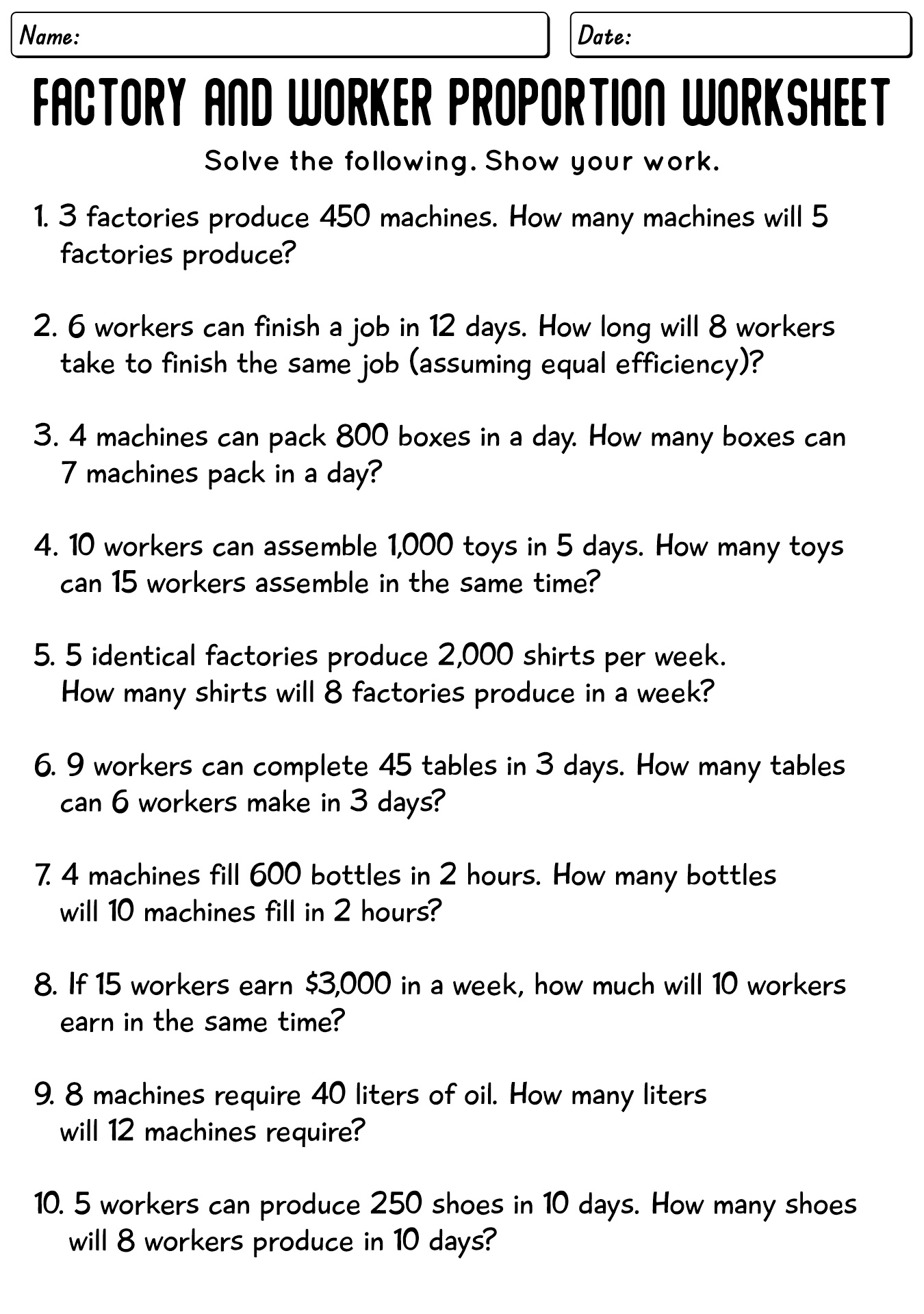
- Word problems
The flexibility in question types allows you to create targeted worksheets for specific learning objectives, making it easier for students to grasp complex concepts.
Layout and Design Choices
The layout options within the Mathematics Worksheet Factory 3.0 are thoughtfully designed. You can choose from different formats, including portrait and landscape orientations. Portrait layout tends to work better for most home printers, while landscape can be beneficial for worksheets with more extensive problems or tables.
Additionally, you can customize the font size and style, which is crucial for making worksheets accessible to all students, including those with learning difficulties. A readable font can significantly enhance a student’s ability to focus on the math problems rather than struggling with the text.
Creating Worksheets for Different Grade Levels
Mathematics Worksheet Factory 3.0 allows you to adapt your worksheets for various grade levels, from elementary to middle school. When creating materials for younger students, consider using colorful visuals and simpler problem formats. You can incorporate images related to the math problems, making learning more engaging.
For older students, the focus can shift to more complex problems, including algebraic expressions and geometry. The ability to adjust difficulty levels ensures that each student can work at their own pace, promoting a more personalized learning experience.
Repeated Practice Across a Week
When it comes to reinforcing mathematical concepts, spacing out practice is essential. Rather than assigning a large batch of worksheets in one sitting, consider distributing the exercises across the week. This method helps students retain information better and reduces the feeling of being overwhelmed.
For example, you might assign one worksheet focused on addition on Monday, a worksheet on subtraction on Tuesday, and so forth. This approach allows for daily review and helps track progress over time. You can use the built-in tracking features of Mathematics Worksheet Factory 3.0 to monitor which areas students excel in and where they may need additional support.
Utilizing Templates for Efficiency
Mathematics Worksheet Factory 3.0 comes equipped with a variety of templates that can significantly reduce the time spent on worksheet creation. These templates cover numerous topics and can be easily customized to fit your specific needs.
You can adjust the number of questions, their types, and even add instructions or notes for students. This is particularly beneficial during busy periods, such as exam weeks or project deadlines, when time is of the essence.
Incorporating Worksheets Into Homeschooling
For parents engaged in homeschooling, Mathematics Worksheet Factory 3.0 is an invaluable resource. The ability to generate worksheets for various topics allows parents to create a structured learning environment at home.
You can tailor worksheets to your child’s learning pace, ensuring they master each concept before moving on to the next. This personalized approach not only aids in comprehension but also builds confidence as students succeed in completing their custom worksheets.
Tracking Progress Effectively
One of the most significant advantages of using Mathematics Worksheet Factory 3.0 is the ability to track progress over time. After distributing worksheets, you can collect and analyze the results to identify trends in student performance. This is crucial for tailoring future lessons and ensuring that all students receive the support they need.
Consider creating a progress chart to visualize each student’s improvement. This not only motivates students but also provides a clear picture of areas that may require additional focus.
Feedback and Adjustments
After assessing completed worksheets, it’s essential to provide constructive feedback. Mathematics Worksheet Factory 3.0 allows you to annotate and comment directly on the worksheets, making it easy to return them to students with specific notes.
Encourage students to ask questions about any mistakes, fostering a growth mindset where they learn from errors. This feedback loop is vital for developing problem-solving skills and resilience in the face of challenges.